
Fair price


Facebook Marketplace check

Is this Facebook Marketplace deal legit?
Marketplace listings are short and sellers move fast. DealUp AI checks the price and photos, then tells you what to ask before you meet up.
Links from the marketplaces shown are supported.

 10,000+ buyerscheck their listings

Facebook Marketplace · United States
A great price is the first thing to question.
Paste a Facebook Marketplace link. See if the price makes sense, spot red flags in the photos and get the questions to ask before you meet up or pay.- 01
Check the price against the market
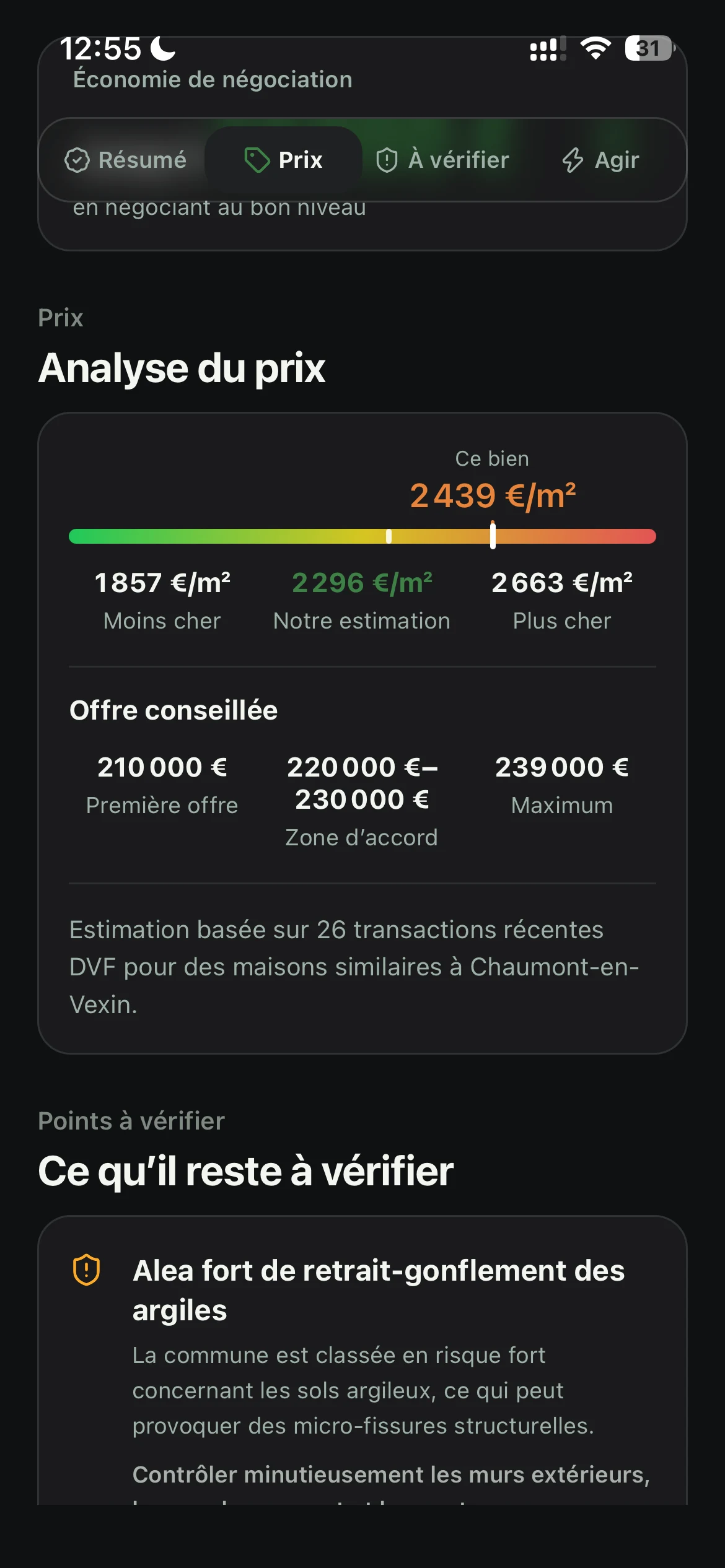
The asking price is compared with similar used items for sale, so a price far below market stands out instead of looking like luck.
- 02
Spot red flags in photos and wording
Flag what the listing can’t show: a matching serial number or VIN, receipts, a title in the seller’s name, and any push to pay a deposit or ship before you see the item.
- 03
Plan the meetup and payment
Meet somewhere public, inspect before you pay and follow the checklist so nothing gets skipped.
What you get
Price, photos and negotiation for your Facebook Marketplace listing.
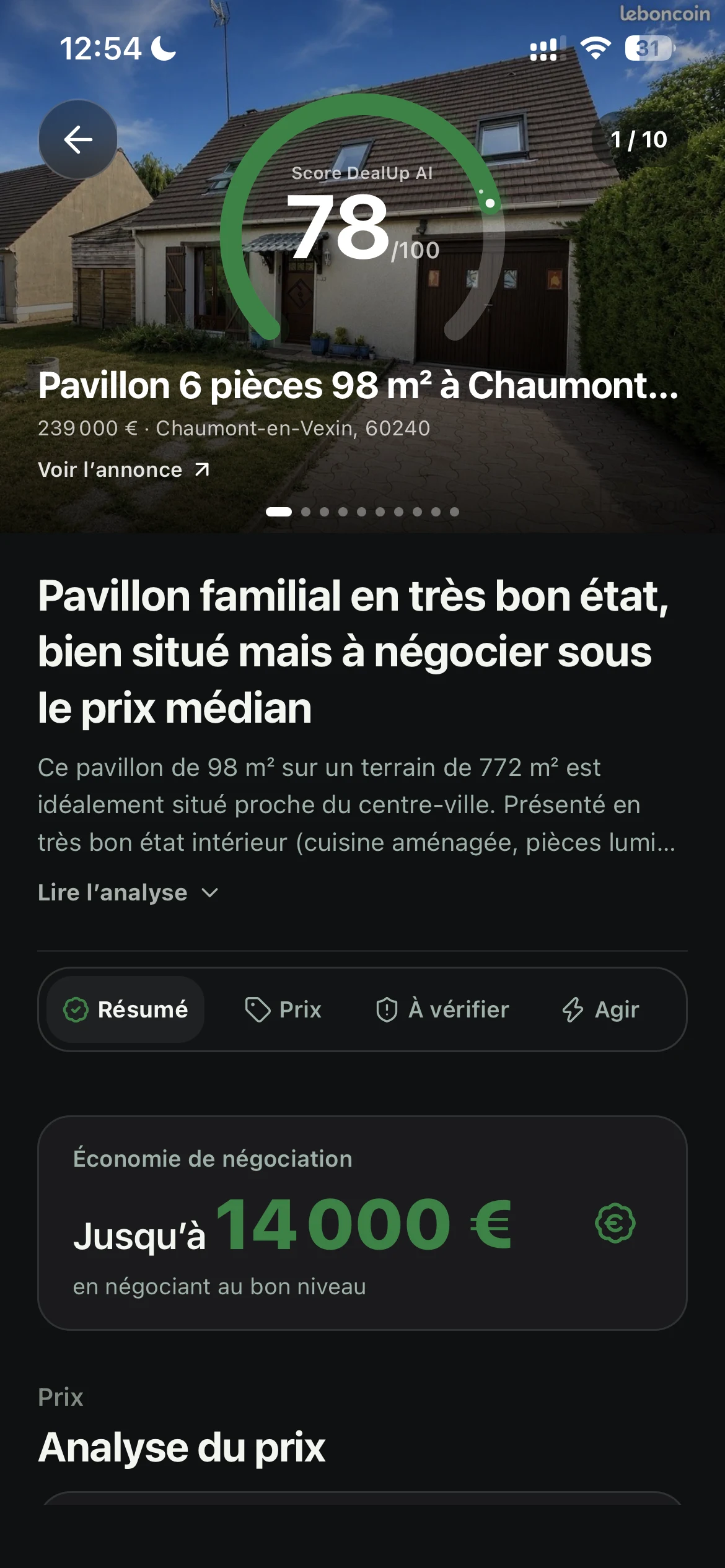
Car, house, watch or phone: DealUp AI reads the listing like a seasoned buyer, then tells you what to pay, what to check and what to say to the seller.Photo check
Red flags in the photos.
The AI reviews the listing photos and any the seller sends you: visible wear, details that don’t match the description, missing parts.Negotiation
An offer you can justify.
An opening offer, a target range and a ready-to-send message built on what the listing shows. You decide whether to send it.Checklist
Your viewing and test drive checklist.
Questions for the seller and what to check in person: before you go, during the viewing or test drive, and before you pay.What the listing does not prove yet
Too good to be true? Check before you drive over.
Meet somewhere public, inspect before you pay and follow the checklist so nothing gets skipped.Check the price against the marketSpot red flags in photos and wordingPlan the meetup and payment


FAQ · Facebook Marketplace
Before you analyze the listing.
Paste a Facebook Marketplace link. See if the price makes sense, spot red flags in the photos and get the questions to ask before you meet up or pay.How do I analyze a Facebook Marketplace listing?
Copy the listing link, paste it into DealUp AI and confirm your buying context. The report brings together price, risks, unverified information and next steps.
Does the report replace a viewing or an inspection?
No. DealUp AI organizes the available information and shows what to check. It never certifies actual condition, the seller’s identity or the transaction.
Which listings can be analyzed?
Any valid listing that is still live on this marketplace. Removed listings, brand-new products and unsupported categories are flagged as soon as you paste the link.
Does DealUp AI check the listing photos?
Yes. It reviews the listing photos and any the seller sends you: visible wear, details that don’t match the description, missing parts. A photo is a clue, not proof: the report never certifies actual condition or authenticity.
Does DealUp AI write the message to the seller?
Yes. The report suggests an opening offer, a target range and a ready-to-send message based on the market and what it found. You edit and send it yourself. For a rental, the message asks for a viewing and never negotiates the rent.
Other supported marketplaces
Continue with the marketplace where you found the listing.
Too good to be true? Check before you drive over.
Meet somewhere public, inspect before you pay and follow the checklist so nothing gets skipped.
Analyze